
Conference & Capture Spaces
Videoconference & Lecture Capture Spaces
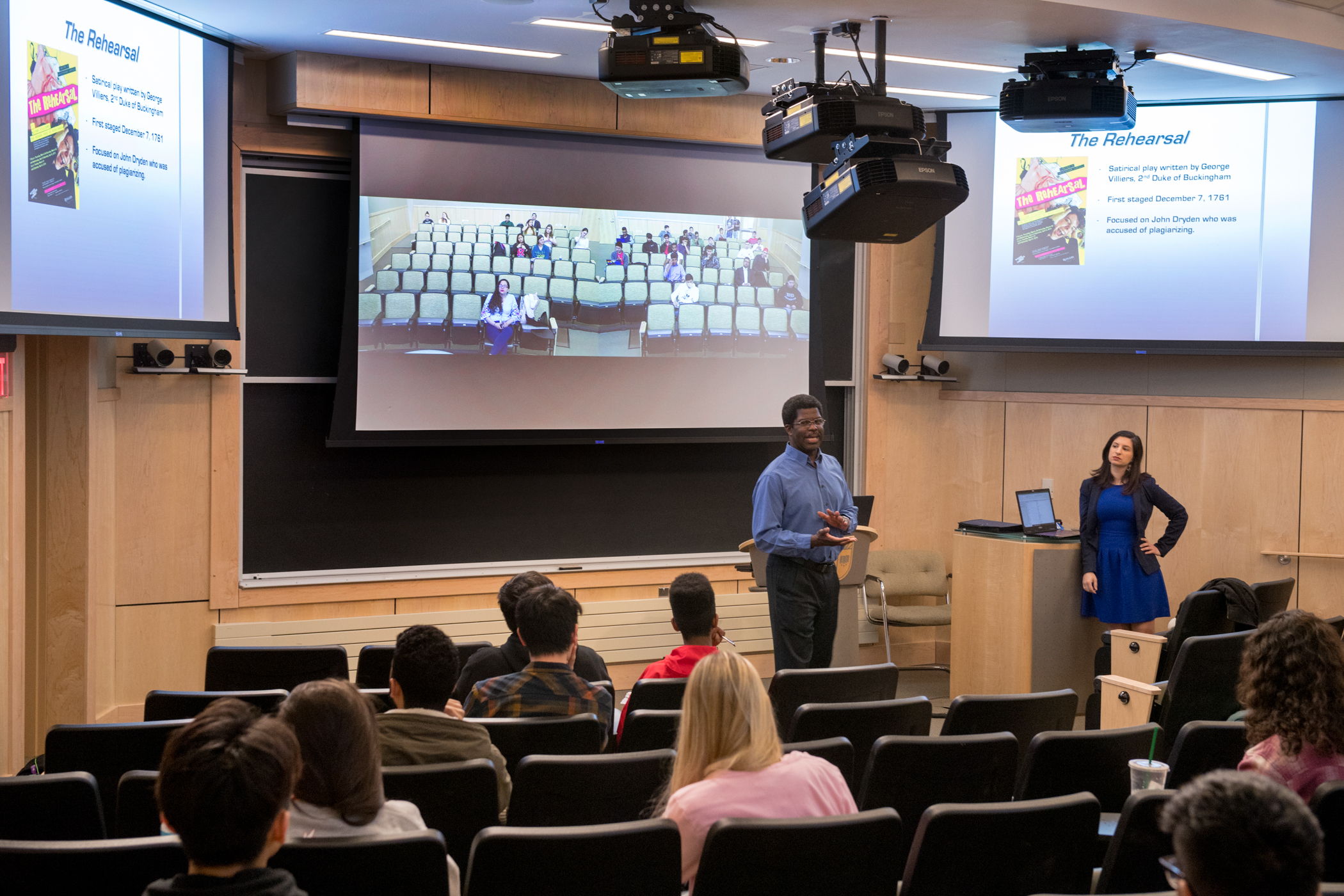
DCS supports many rooms with technology specifically designed to connect with off-campus participants and record. Videoconference & Lecture Capture spaces have built-in cameras and microphones that capture in-class video and audio alongside any presentation materials used on the room’s Mac computer. Within this group of rooms we delineate two tiers. Videoconference & Lecture Capture: Presenter and Audience spaces capture the audio and video of the instructor and students. These rooms utilize ceiling microphones dispersed throughout the classroom. They also have confidence monitors at the rear of the room. Instructors can view their presentation materials or remote students on this monitor while appearing to look at the camera installed in the same sight line. Videoconference & Lecture Capture: Presenter Only rooms only have a camera and microphone pointed at the instructor.
In both types of rooms, instructors can utilize this equipment by opening Zoom, Kaltura, Webex, BigBlueButton, or any other conference or recording application they have access to over the web. To learn more about which classrooms have these capabilities, use the classroom finder. For more information on using these rooms to conference and record, view our instructions section.

Audioconference & Lecture Capture Space
DCS also has many Audioconference and Lecture Capture Spaces that can be used to broadcast audio and presentation materials to remote participants by following our printable instructions. Additionally, any room with a Digital Classroom System is capable of streaming a remote participant.
Looking for Your Classroom?
Visit the Classroom Finder to find any general-purpose class and learn more about it.
