
Getting Started with Conferencing
Bridging the Divide
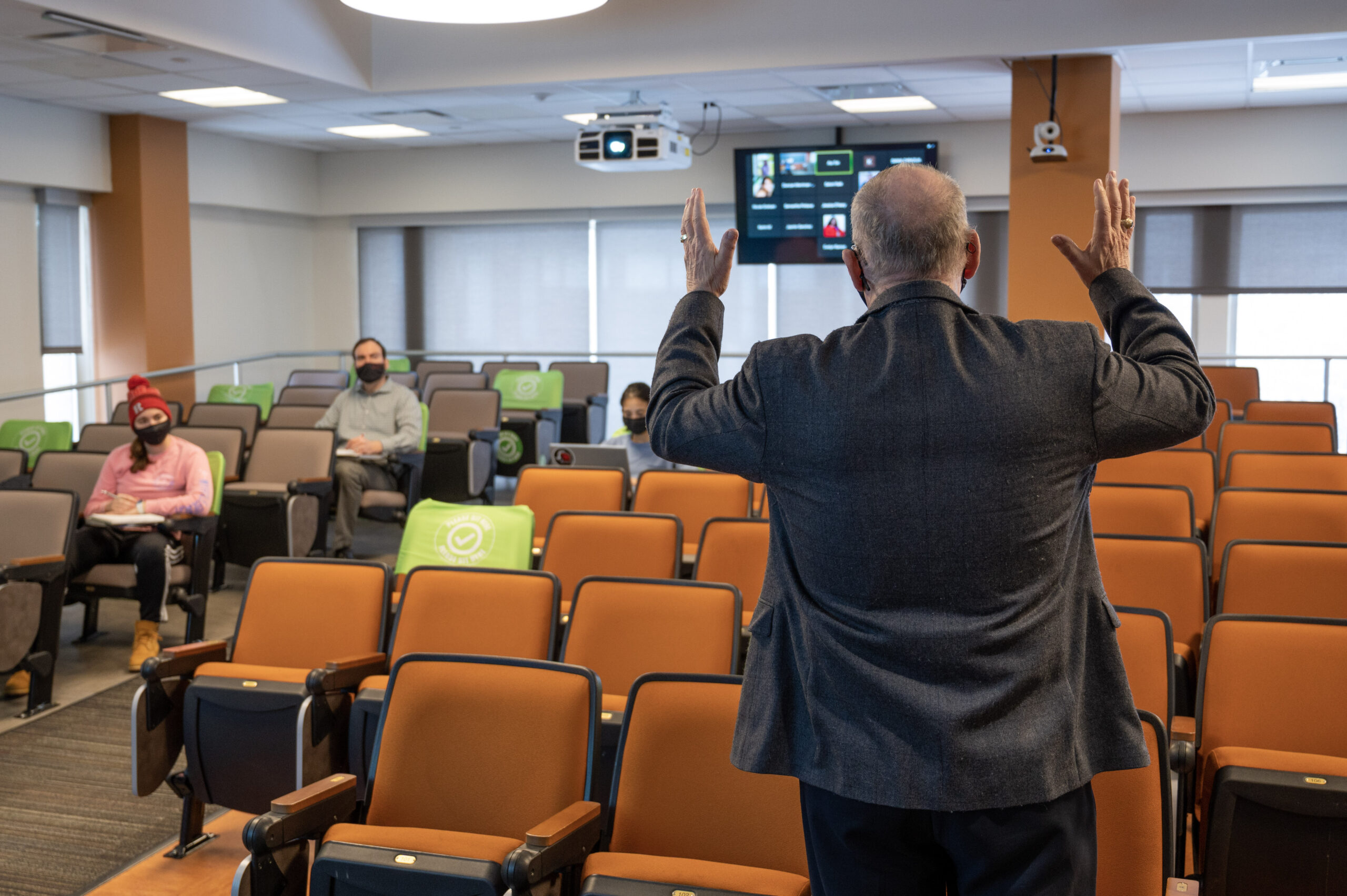
Conferencing – also referred to as videoconferencing or Zooming – allows students and instructors to to conduct class meetings without needing to be in the same physical space. Certain classes are designated and scheduled as converged, meaning that some students will attend in-person at the same time that other students attend online. However, instructors of fully in-person classes might elect to use conferencing to enable remote students or guest presenters to join. Many DCS classrooms are equipped with technology that can help you conference (enabling two-way communication) or stream (enabling a one-way broadcast of the classroom).

The following scenarios outline your options based on who is unable to attend and what classroom you are using. Once you have established a technology plan for your class, consider our tips for teaching in a videoconference space.
If you have any questions, fill out a Request Form and we can help you explore your options, develop a plan, and conduct virtual class meetings.
Scenario 1: Class is meeting in a DCS classroom and some students will not attend in person (a.k.a Converged Classes).
Look up your classroom in the Classroom Finder and click on your room’s “Capability” type below. Note that if your room does not have the capability you need, you may fill out a Request Form.
-
This room allows remote students to watch a video feed of the instructor or students, view class content (e.g. PowerPoint), and hear both the instructor and in-room students. If you wish, remote students can also participate in class discussions; their voices will be audible in the room as their faces show on the rear display and one of two displays at the front of the classroom. To videoconference (two-way communication) or stream (one-way broadcast), select instructions from the list below, based on what you would like to do and which conferencing tool you would like to use. You may request to have someone from DCS assist you in preparing for class and to help you connect during class time by filling out a Request Form.
Using Zoom in a Videoconference & Lecture Capture Space
Using Webex in a Videoconference & Lecture Capture Space
Using BigBlueButton in a Videoconference & Lecture Capture SpaceYou may also wish to peruse our Converged Learning page, for an overview of technology, teaching practices, and support relating to converged courses – class meetings that include in-person and remote students.
-
These rooms are equipped to enable students to stream class so they can watch a video feed of the instructor, see content (e.g. PowerPoint), and listen to audio. Camera-equipped spaces are not tailored for allowing remote students to participate via a video connection. Select instructions from the list below, based on which streaming tool you prefer to use. You may request to have someone from DCS assist you in preparing for class and to help you connect during class time by filling out a
Using Zoom in a Videoconference & Lecture Capture Space
Using Webex in a Videoconference & Lecture Capture Space
Using BigBlueButton in a Videoconference & Lecture Capture Space -
These rooms are equipped to enable students to remotely watch the instructor’s content (e.g. PowerPoint) and listen to audio of them speaking. Select instructions from the list below, based on which streaming tool you prefer to use. You may request to have someone from DCS assist you in preparing for class and to help you connect during class time by filling out a Request Form.
Using Zoom in an Audioconference & Lecture Capture Space
Using Webex in an Audioconference & Lecture Capture Space
Using BigBlueButton in an Audioconference & Lecture Capture Space -
Fill out a Request Form to request additional equipment that can be used to stream your class. Streaming your class enables remote students to hear your voice, and view your content (e.g. PowerPoint). You can also record the stream for future use or simply make a class recording of yourself for future use by students.
Scenario 2: Class is meeting in a room and the instructor is not able to attend in person
If an instructor is temporary unable to come to class, they may deliver the course remotely. Most instructors opt to do so by holding class entirely online. However, if faculty opt to have students continue to attend in their classroom while they teach remotely, DCS has various spaces that can be used to conduct classes in which the students are in-class but the instructor, and possibly some students, are not. To learn about your classroom’s capability, locate it in the Classroom Finder. Then, select your room’s capability below to get more information about the options available to you. Note that if your room is not listed or if your room does not have capability you need, you may fill out a Request Form.
-
Your room is equipped to allow for two-way communication, viewing, and content sharing. Select instructions from the list below, based on which videoconference tool you prefer to use. Someone in the classroom will need to join your session during class time. You may request to have someone from DCS assist you in preparing for class and to help you connect during class time by filling out a Request Form. Please contact the DCS Help Desk with any additional questions.
Using Zoom in a Videoconference & Lecture Capture Space
Using Webex in a Videoconference & Lecture Capture Space
Using BigBlueButton in a Videoconference & Lecture Capture Space -
Your classroom is capable of receiving your audio, video, and content (e.g. PowerPoint) for student viewing via a web stream. Select instructions from the list below, based on which streaming tool you prefer to use. Someone in the classroom will need to join your session during class time. You may request to have someone from DCS assist you in preparing for class and to help you connect during class time by filling out a Request Form.
Using Zoom in an Audioconference & Lecture Capture Space
Using Webex in an Audioconference & Lecture Capture Space
Using BigBlueButton in an Audioconference & Lecture Capture SpaceIn addition to your students being able to hear and see you and your content (e.g. PowerPoint), if you would like to be able to hear and/or see your students, fill out a Request Form. In smaller rooms, DCS can provide a microphone and camera to capture all students. In larger rooms, we can set up a dedicated camera and microphone that students can come up to when they wish to participate.
Looking for More?
Visit OIT’s application-specific for guidance on using various videoconference applications.
